Guides
Yoga classes, workshops, courses: a group class is a different game from a one-on-one appointment. How to set capacity wisely, what to do when a class fills up, and how the waitlist hands a freed spot to the next in line automatically.
By
This website uses cookies for a better user experience. Cookie Policy
A hairdresser's day rarely comes in identical blocks. A quick men's cut in the morning, then a two-and-a-half-hour colour with highlights, and in between someone calls: "I only want to see Anna, when is she free?" A generic calendar treats all of this the same way: you pick a time, type it in, done. The trouble starts when clients book online themselves, and the system has to know everything you used to keep in your head.
This article walks through the points where a hair salon differs from an average service business, and for each one shows how to set it up in Bellora. Where the system has a limit today, we say so – better to know up front.
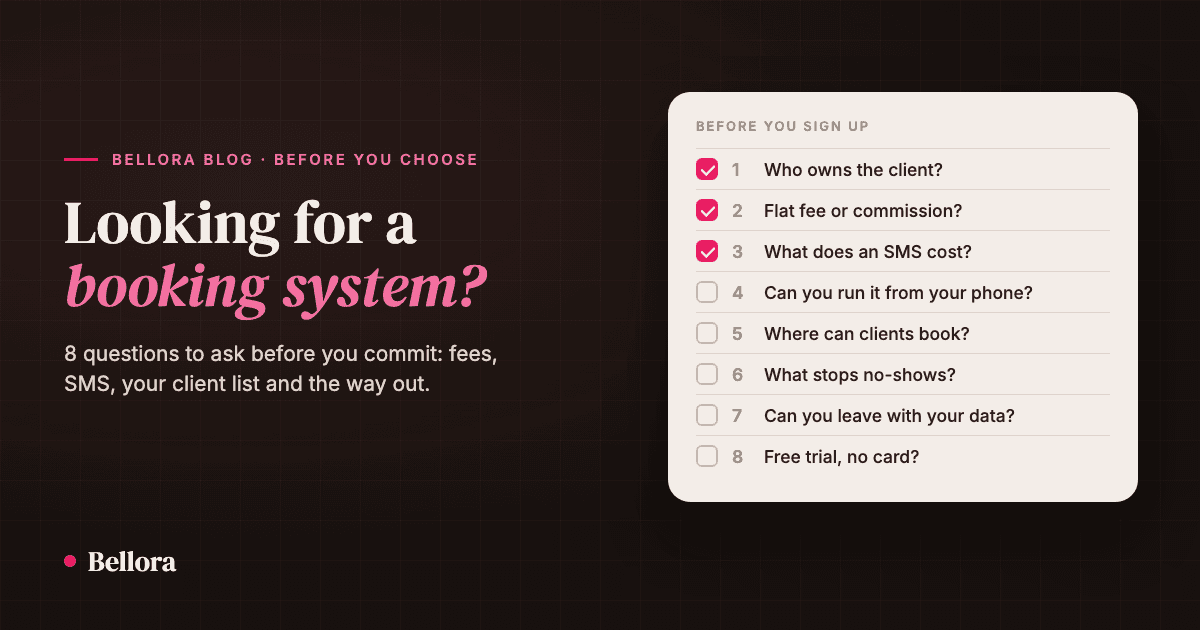
If you're only starting to look for a system, it's worth reading the 8 questions to ask any booking system first. This article is its hair-salon-specific follow-up.
A women's cut might take you 45 minutes and your colleague 60, because she always blow-dries too. If the system only knows one duration, either you sit idle or she runs late every day.
In Bellora you can override a service's base duration and price per team member. When editing a service, under the team member assignments, you can set a Custom duration and Custom price for each colleague. Online booking always uses the values of the person the client picked.
Hair length is a separate question. There are no separate "variants" (short / medium / long hair) in the system today, but two approaches work well:
Rinsing the bowl, wiping the chair, sweeping up hair – none of it is part of the service, but it still takes time. If it isn't set up, the next client arrives exactly when you're still holding the broom.
You can set it at two levels:
If a client books several services at once, the system uses the longest buffer.
In a hair salon, clients often come for a person rather than the salon. Others don't mind who, as long as it's soon. You need to serve both.
In the booking settings, Specialist selection has two modes:
For regulars, the easiest route is for the stylist to send them their own booking link: bookings through it always go to that stylist, even if the salon otherwise assigns clients.
Clients don't want three separate appointments, they want one: "colour and cut". In Bellora a booking can hold up to five services, their durations are chained back to back, and they show up in the calendar as one continuous block.
You control which services can be combined per service, on the Combinations tab. That way nobody can put two treatments that don't go together into the same booking.
A two-and-a-half-hour colour where the client doesn't turn up costs you half a day. That's why the cancellation policy and deposits are worth taking seriously – without punishing your regulars.
What you can set:
One limit: deposits are set per salon today, not per service, so you can't ask for a deposit on colour only and not on cuts. If that matters to you, the cancellation deadline and good reminders do most of the work.
More on what works against missed appointments in our article on reducing no-shows.
Most hair clients come back – the only question is whether to you or someone else. The easiest way is to settle the next visit while they're still in the chair.
There's no automatic "time to come back" message today, which is one more reason to make these two steps a habit.
Reminders, on the other hand, go out on their own: the client is notified 24 hours and 1 hour before the appointment. If the client uses the Bellora app (iOS, Android), they get it as a push notification, which costs you nothing in SMS fees. You decide per notification type which channel it goes out on (push, email, SMS).
Some things are best not left to the client: a colour correction, a full transformation where you need to consult first. For these services, turn off the Online bookable switch. The service stays in your list and you can add it from the calendar, but clients can't book it online.
And if you don't want gaps in your day for a particular service, the Offer only the earliest time slot setting shows clients only the earliest free time.
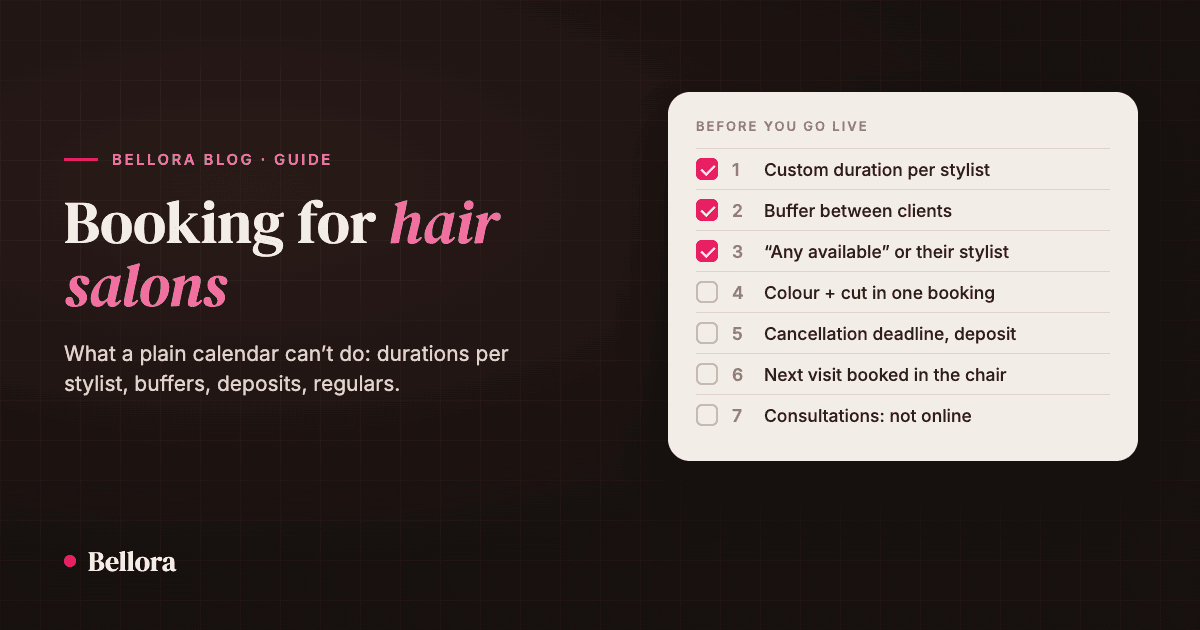
Before you open online booking, check:
Once these are in place, your booking page will work much the way you did on the phone – just at night as well.


Yoga classes, workshops, courses: a group class is a different game from a one-on-one appointment. How to set capacity wisely, what to do when a class fills up, and how the waitlist hands a freed spot to the next in line automatically.
What is this blog, who is it for, and where should you start? A short intro plus our best articles in one place: bookings, no-shows, winning new clients.
The right booking system isn't the one with the longest feature list. It's the one that still holds no surprises six months in. 8 questions worth asking before you choose any of them.